
A complete desktop.
In a browser tab.
nn.os is a personal operating system that lives at a URL — real windows, a filesystem, 38 apps, and an assistant that knows your workspace. Nothing to install. Runs on your own hardware.
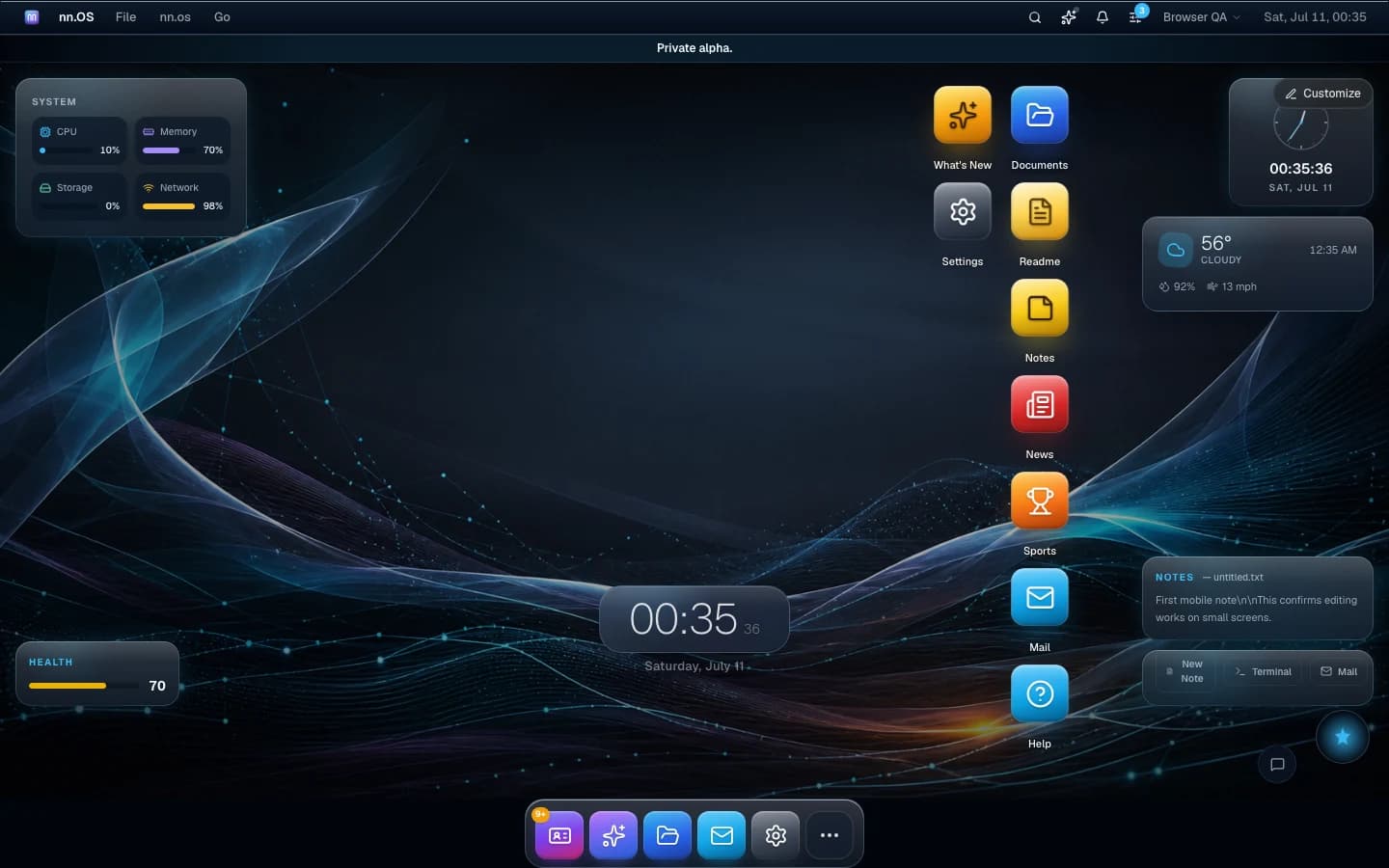
38 built-in apps · ⌘K universal launcher · assistant & app copilots · virtual filesystem · 100% self-hosted
open --shell
Built like a desktop, not a dashboard.
Windows drag, tile, tab and restore across sessions. The dock, menu bar and widgets are all live. It behaves the way an operating system should — because it is one.
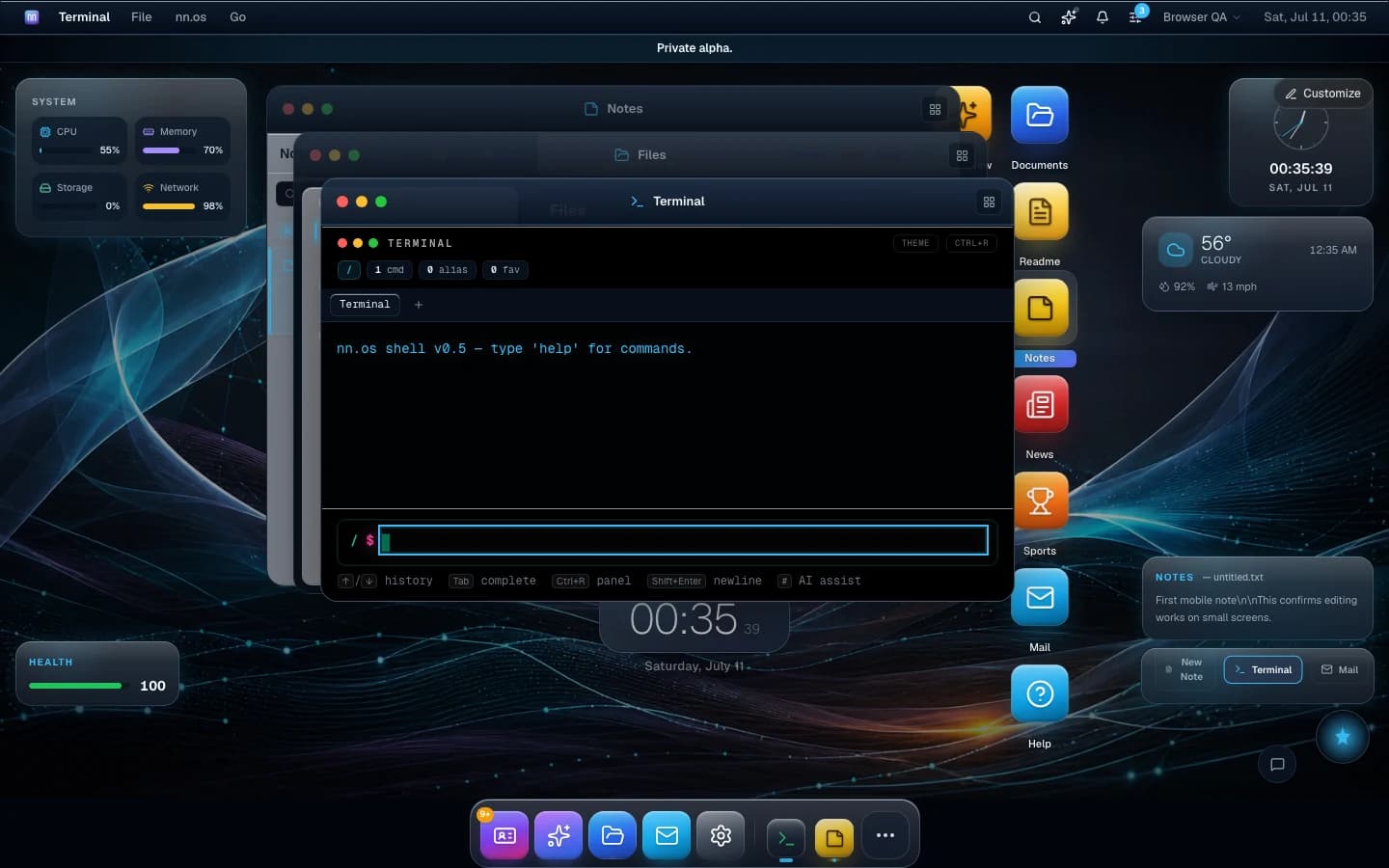
Real windows
A real shell: help in the Terminal, notes with history, files with folders — each in its own window.
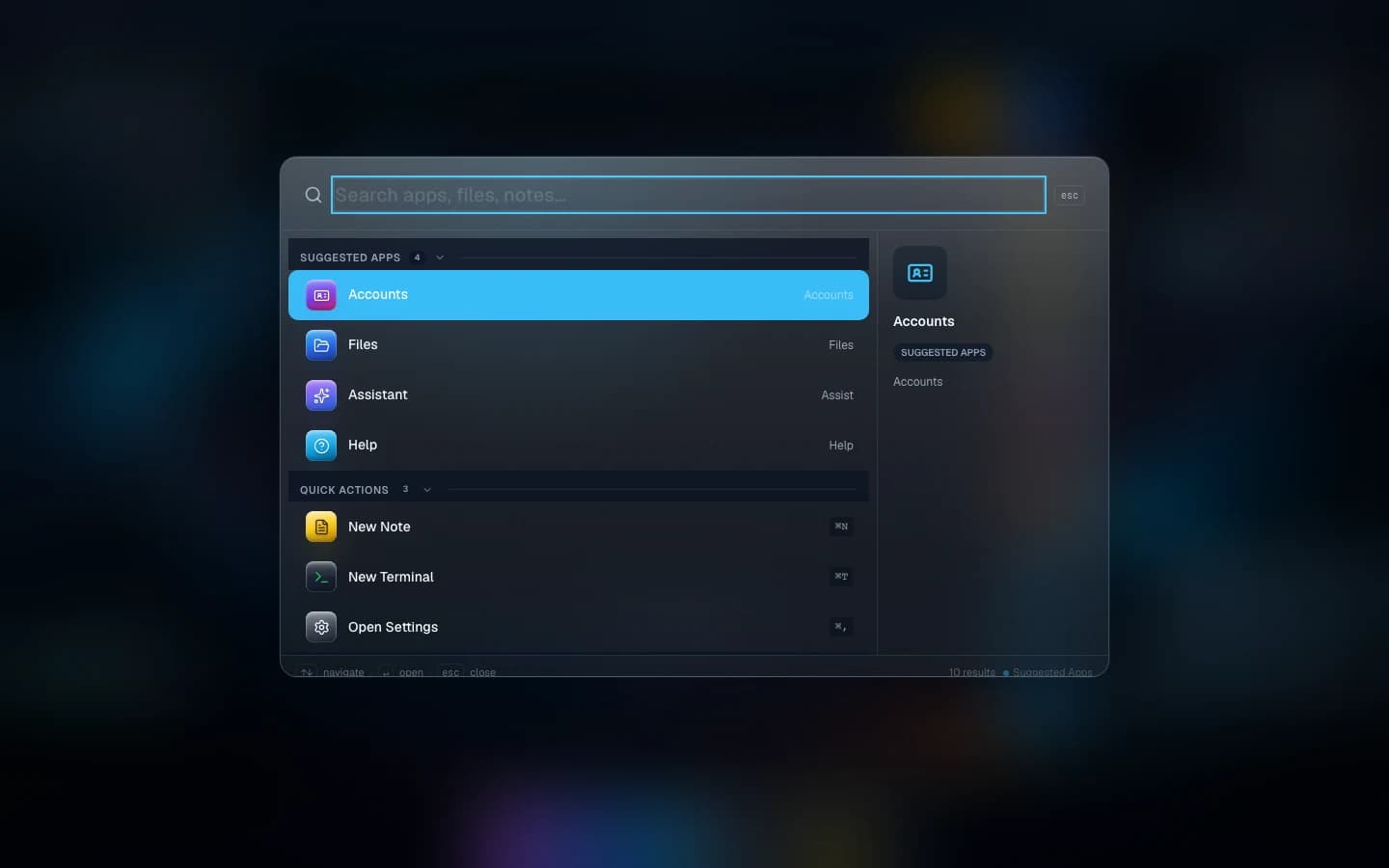
⌘K from anywhere
Search apps, files, notes and quick actions. Open a terminal or start a note without touching the mouse.
A real filesystem
Folders, uploads, starred files — persisted per workspace and browsable from the Terminal too.
Live widgets
System stats, weather, notes and clock on the desktop. Rearrange or hide them.
Workspace restore
Close the tab, come back tomorrow — windows, files and sessions come back with you.
open --apps
38 apps. Zero installs.
Mail with real accounts, Telegram, a music player, live weather and news — plus an App Store and a Developer Center with an SDK for building your own.
- Files
- Terminal
- Telegram
- Notes
- Calendar
- Contacts
- Photos
- Music
- Video
- Maps
- Drawing
- TextEdit
- Preview
- PDF Viewer
- Image Viewer
- Calculator
- Clock
- Weather
- News
- Sports
- Habits
- Wellness
- Focus
- Keychain
- Activity
- Accounts
- Assistant
- AI Writer
- AI Coder
- AI Image
- AI Voice
- AI Translator
- Writing
- App Store
- Developer Center
- Settings
- Help
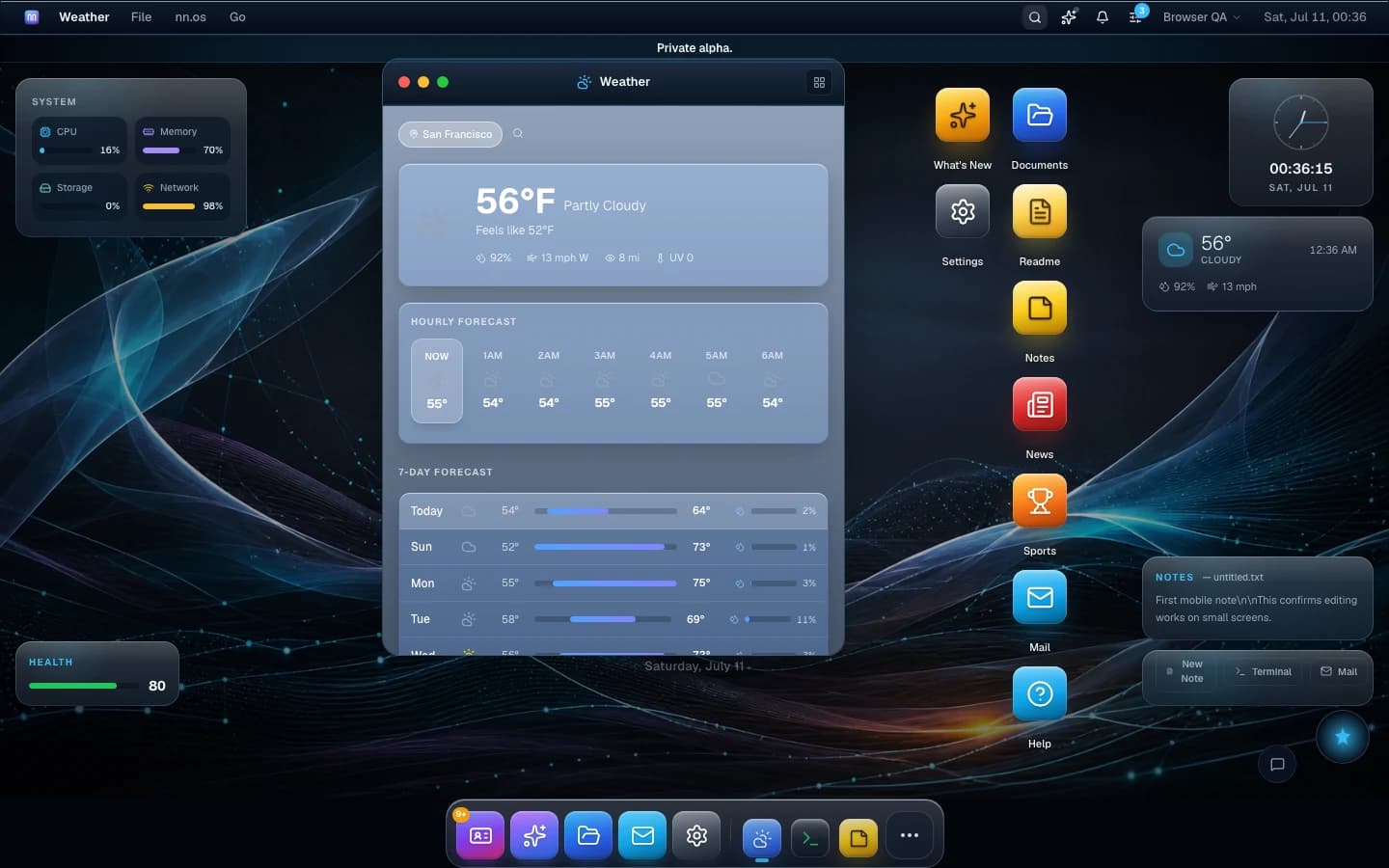
Not mockups — every screenshot on this page is the live product.
live dataai --attach
An assistant that lives in the OS.
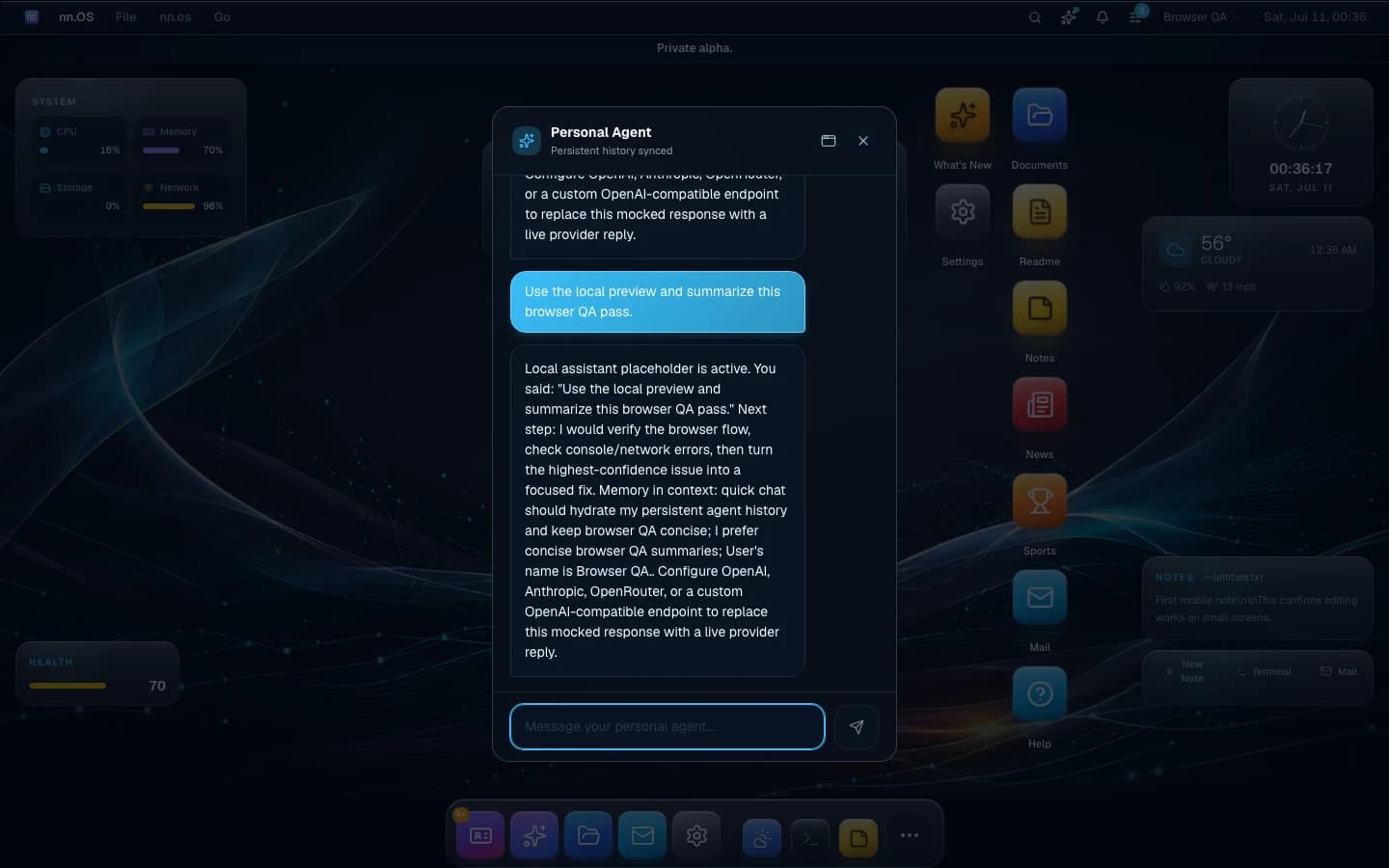
Open Assistant from the dock or the ⌘K launcher and your personal agent slides in — with conversation history, profile memory that persists across sessions, and live web search when it needs an answer you don't already have. Every app also has its own copilot for quick, in-context prompts. Bring your own provider: OpenAI, Anthropic, OpenRouter, or any OpenAI-compatible endpoint. Your keys stay in your Keychain.
- AI Writer
- AI Coder
- AI Image
- AI Voice
- AI Translator
theme --mine
Make it unmistakably yours.
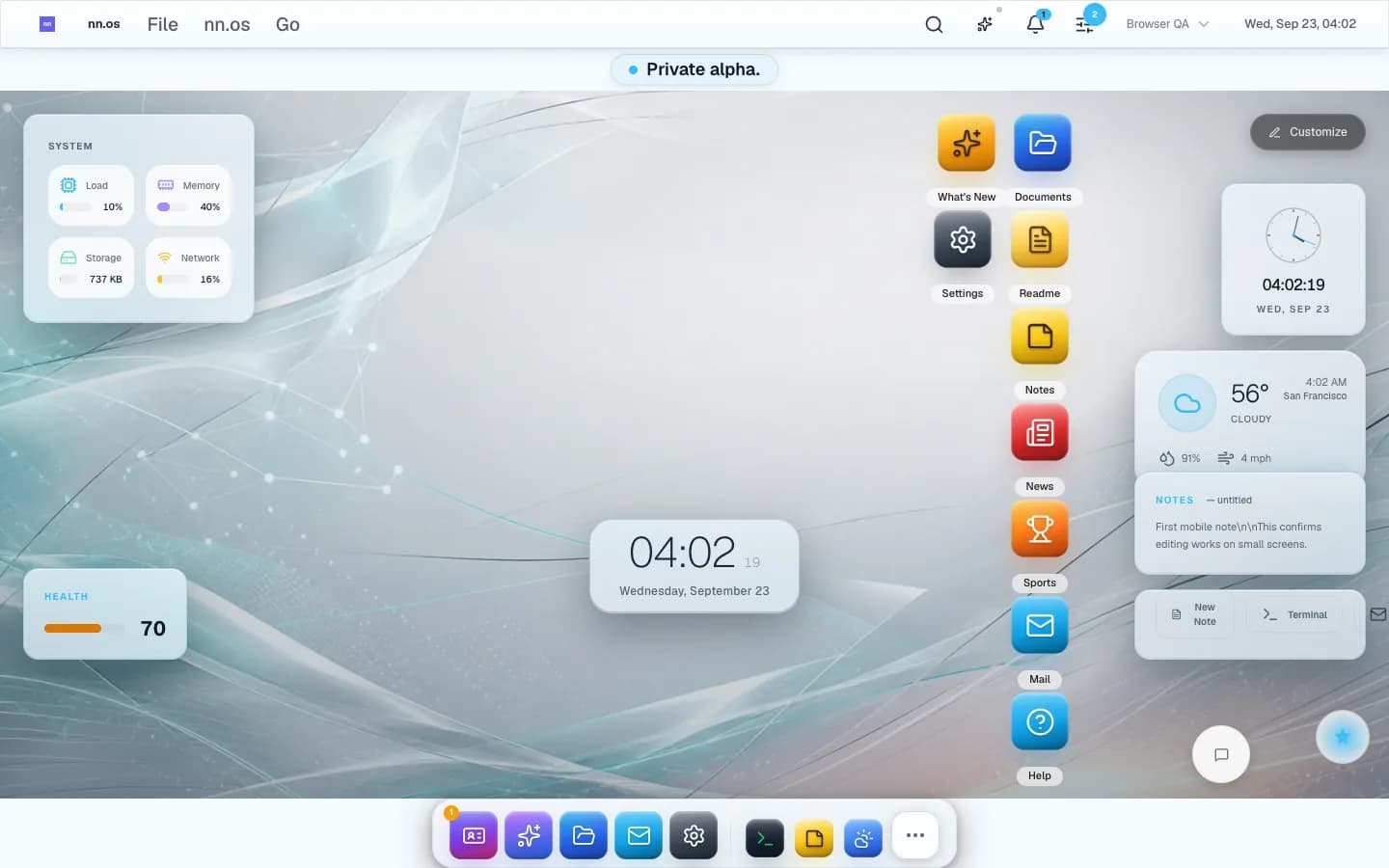
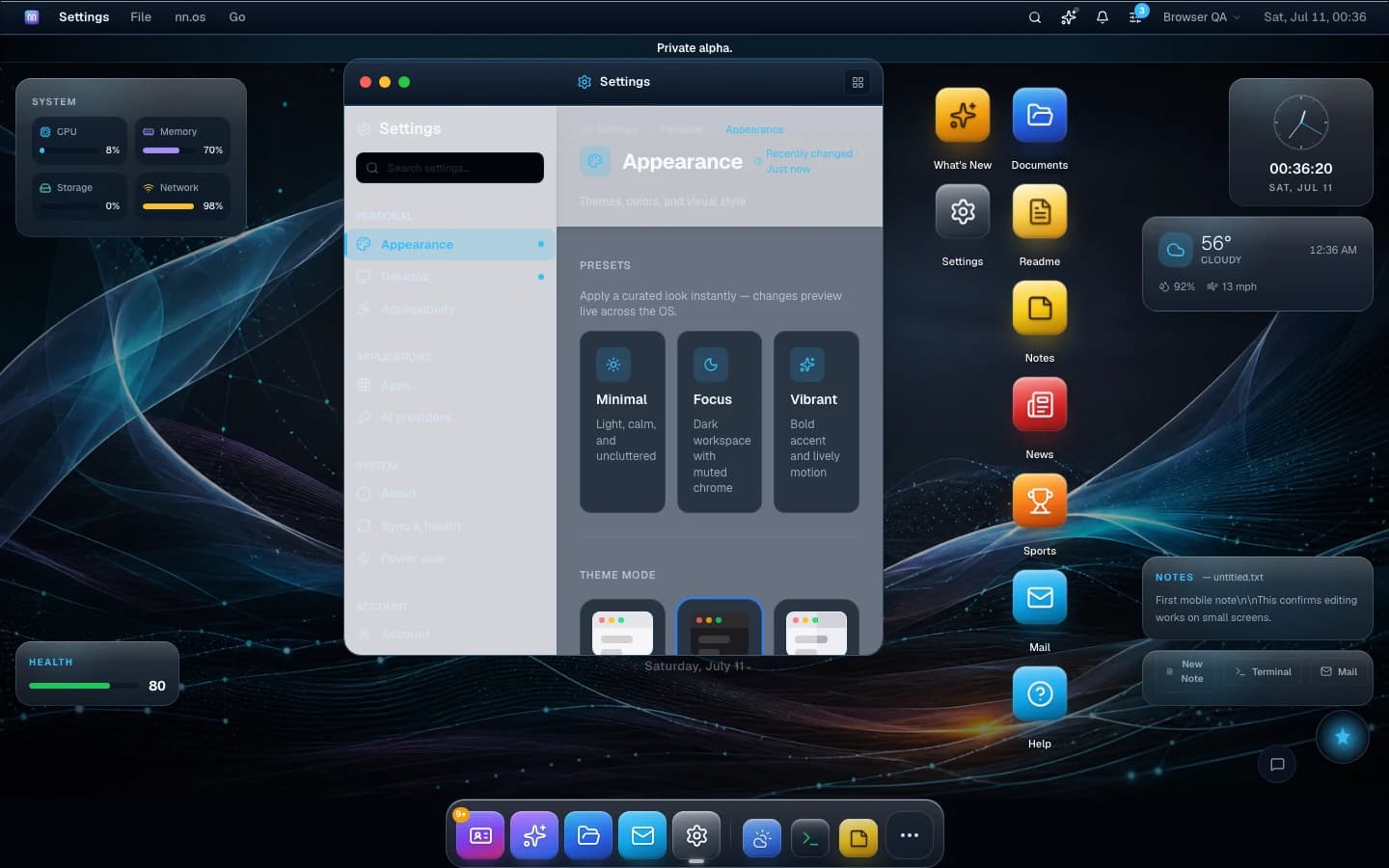
Appearance presets, five accent colors, dock reorder, widget layouts and a wallpaper gallery you can set per workspace — with live preview across the whole OS.
Presets that preview live
Minimal, Focus or Vibrant — applied across every window instantly.





replay --session
See it move.
An unedited capture: ⌘K, open Files and Notes, drag the windows. This is the real thing running at nnos.neima.me.

chown -R you
Your OS. Your hardware. Your data.
nn.os runs self-hosted — no third-party cloud in the loop. It uses only essential cookies, ships hardened security headers, and installs as a PWA so your desktop follows you to your phone.
- Self-hosted deployment with health checks and auto-rollback
- Only essential cookies — no trackers, no analytics scripts
- Installable PWA that keeps working offline and opens apps by URL
- Encrypted secrets, CSRF protection, strict CSP
Pocket-sized when it needs to be.
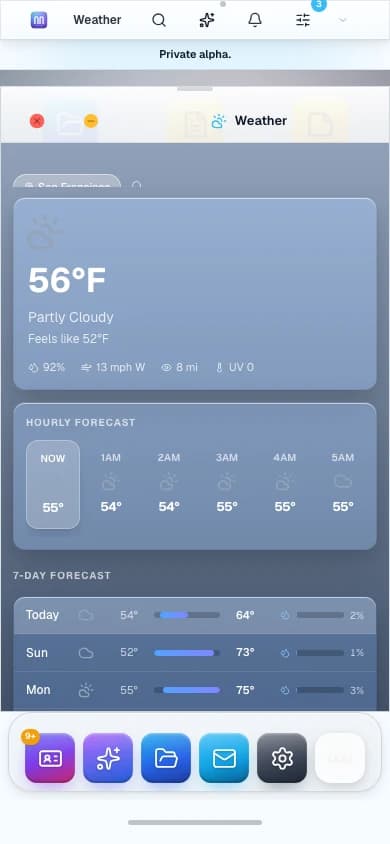
The same OS reshapes itself for small screens: full-screen apps, a mobile dock, and everything still one tap away.
login: _